Beacon System Works, Where Other Systems Fail
Paras · 13 October 2026
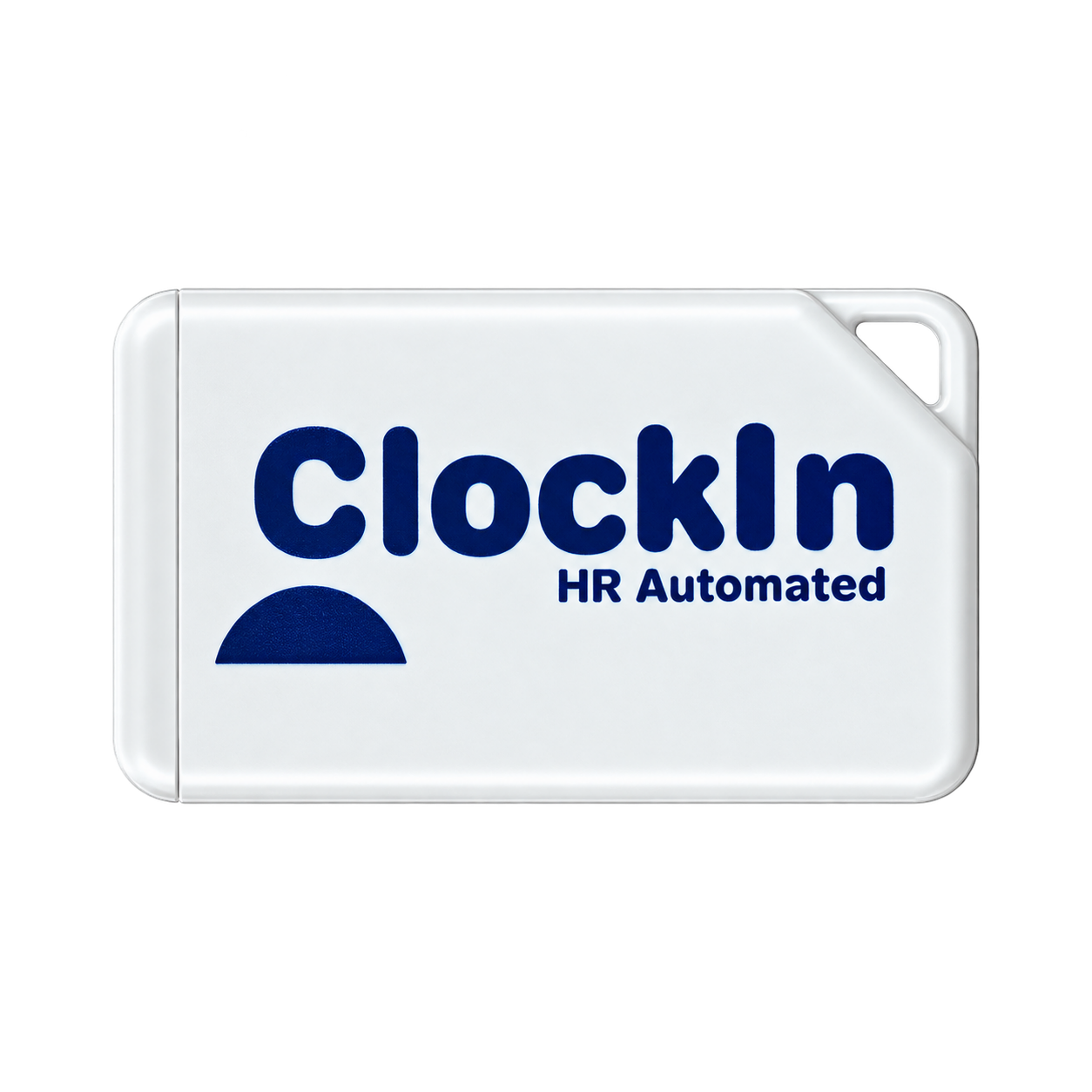
Every attendance system promises to track employee attendance. But the real challenge is ensuring that employees mark attendance at the correct workplace, that their identity is verified, and that the process works smoothly every day.
Let's compare three approaches: physical attendance machines, shared mobile attendance systems, and ClockIn HR's beacon-based attendance system.
1. Physical Attendance Machines vs Beacon System
Physical attendance machines, such as fingerprint scanners and facial-recognition terminals, are commonly installed at office entrances and factory gates. However, they can become inconvenient when businesses operate across multiple locations or changing work environments.
Challenge | Where Physical Machines Fall Short | How ClockIn HR's Beacon System Helps |
|---|---|---|
High installation requirements | Each attendance point may require a separate machine. | Beacons can be installed at designated attendance points without requiring a full biometric machine at every point. |
Difficult to scale across sites | Installing and maintaining machines at multiple project sites can be inconvenient. | Multiple beacons can be associated with a site, supporting a more flexible mobile attendance workflow. |
Employees must reach the device | Attendance depends on reaching the installed machine. | Employees can use the Employee Kiosk app to detect a configured beacon and initiate the attendance process. |
Hardware maintenance | Machines may require servicing, repairs, and replacement. | BLE beacons provide a simpler proximity-detection component, although they still require suitable installation and maintenance. |
2. Shared Mobile Attendance vs Beacon System
Some attendance systems allow employees to mark attendance using a shared smartphone or a common mobile device at the workplace.
Although this approach reduces the need for dedicated biometric machines, it introduces a different set of challenges.
Challenge | Where Shared Mobile Attendance Falls Short | How ClockIn HR's Beacon System Helps |
|---|---|---|
Attendance from the wrong location | If the system does not verify workplace proximity, a shared phone may be used away from the designated attendance point. | Configured beacon detection adds a workplace-proximity check to the attendance workflow. |
Identity verification | A shared device may allow one person to mark attendance for another if identity checks are inadequate. | Face recognition adds an identity-verification step. |
Dependence on one device | Employees may need to wait for their turn or rely on a shared phone being available. | The beacon-based workflow can use compatible employee smartphones with the Employee Kiosk app, reducing dependence on one shared device. |
Limited location precision | GPS-based shared mobile systems may not reliably distinguish between floors in a multi-storey building. | Beacons can be positioned at designated attendance points, including on different floors, to provide more localized proximity detection. |
3. GPS Attendance vs Beacon System
GPS attendance can be convenient, but reported location and actual workplace presence are not always the same.
Challenge | Where GPS Attendance Falls Short | How ClockIn HR's Beacon System Helps |
|---|---|---|
Fake GPS location | Some devices can report manipulated locations through mock-location settings or spoofing tools if the attendance app does not prevent them. | Beacon detection does not rely solely on GPS coordinates, so GPS spoofing alone cannot satisfy the beacon check. |
Multi-floor buildings | GPS generally cannot reliably distinguish between floors. An employee may fall within the office's geofence without being on the intended floor. | Beacons can be configured at designated points on different floors, subject to signal placement and coverage. |
Large geofences | Employees may be inside the permitted GPS boundary without being at the intended attendance point. | Beacon detection can provide a more localized proximity check around a configured beacon. |
Identity verification | GPS identifies a reported device location, not the person marking attendance. | Face recognition adds a separate identity-verification step. |
4. Why ClockIn HR's Approach Is Different
ClockIn HR combines three important elements:
Beacon-based proximity detection: Helps associate the attendance process with a configured workplace.
Face recognition: Adds employee identity verification.
Employee Kiosk app: Initiates the attendance workflow when the configured beacon is detected.
This approach is particularly useful for businesses that need to manage attendance across offices, factories, warehouses, and construction sites.
Conclusion
Physical machines can become expensive or inconvenient to deploy across multiple sites. Shared mobile attendance can create dependency on a common device. GPS attendance can be vulnerable to location spoofing and may struggle to distinguish floors.
ClockIn HR combines beacon detection and face recognition to provide a more localized and identity-aware attendance workflow, without relying exclusively on fixed biometric machines or GPS coordinates.
The goal is simple: make attendance easier to manage while helping businesses improve workplace verification.
Want to simplify attendance management at your workplace? Contact ClockIn HR to discuss your requirements and request a demonstration.
Note: Beacon detection depends on proper placement, signal configuration, and device compatibility. Signals can travel through walls and between floors, so beacon detection alone does not prove exact physical presence. Shared mobile and physical-device systems may also support similar verification features depending on their configuration.