Mark Attendance Automatically.
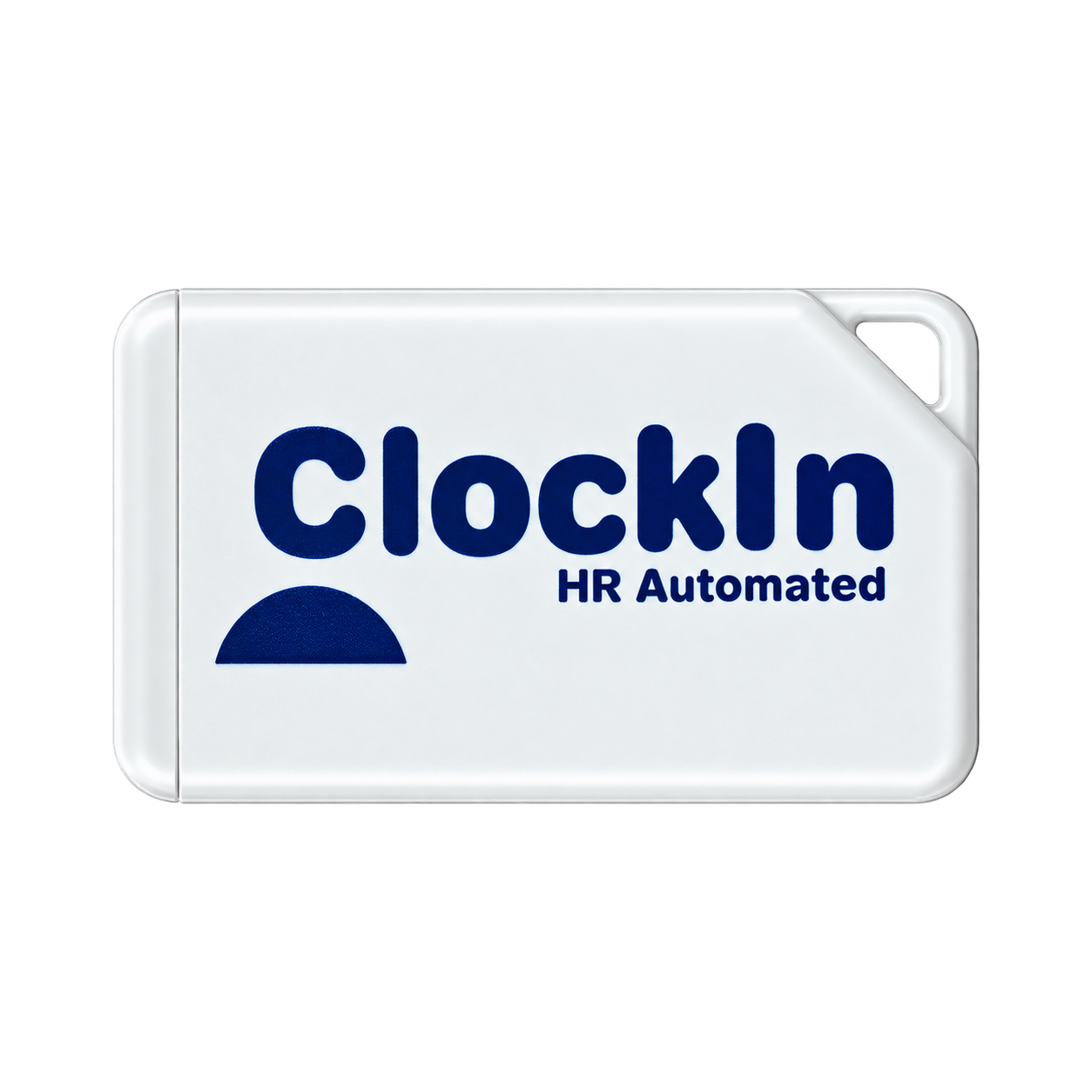
A small Bluetooth device placed at your site. Employees walk near it — the app detects their face and logs attendance instantly. No login, no tapping, no friction.
How It Works
Place the Beacon
Assign beacon to a site from your admin dashboard. Mount it at the entry point — 1–3 metre coverage radius.
Employee Walks In
Employee walks within range, opens the ClockInHR app — the beacon is detected automatically.
Attendance Logged
Face is auto-detected and attendance is marked with GPS verification. No login needed — just open and snap.
Proximity = Presence
The beacon's 1–3 metre range means employees must be physically at the assigned location. There's no way to mark attendance from home or another floor — cannot be faked, you must be there in person.
How Assignment Works
- 1Assign beacon to a site from your company admin account
- 2Place beacon at the location where presence = attendance
How Attendance Works
- 1Employee installs the ClockInHR app (Android or iOS)
- 2Walks within 1–3 metres of the beacon
- 3Opens the app — beacon detected, face snapped, done
Specs at a Glance
Battery Life
Card-size beacon: 6–7 months
Palm-size beacon: 3 years
Detection Range
1–3 metres Bluetooth proximity
Cannot be faked — must be physically present
Setup
Assign from admin panel
Place at entry — ready in minutes
Best For
Not sure if Beacon fits your setup?
Talk to our team — we'll recommend the right attendance method for your locations and teams.